
Introduction
Color is the most powerful visual signal in digital design. It tells users where to click, what matters, and what to avoid. Yet for most designers and developers, color workflows are still stuck in the past — copying hex codes between Photoshop, a text editor, and a brand PDF.
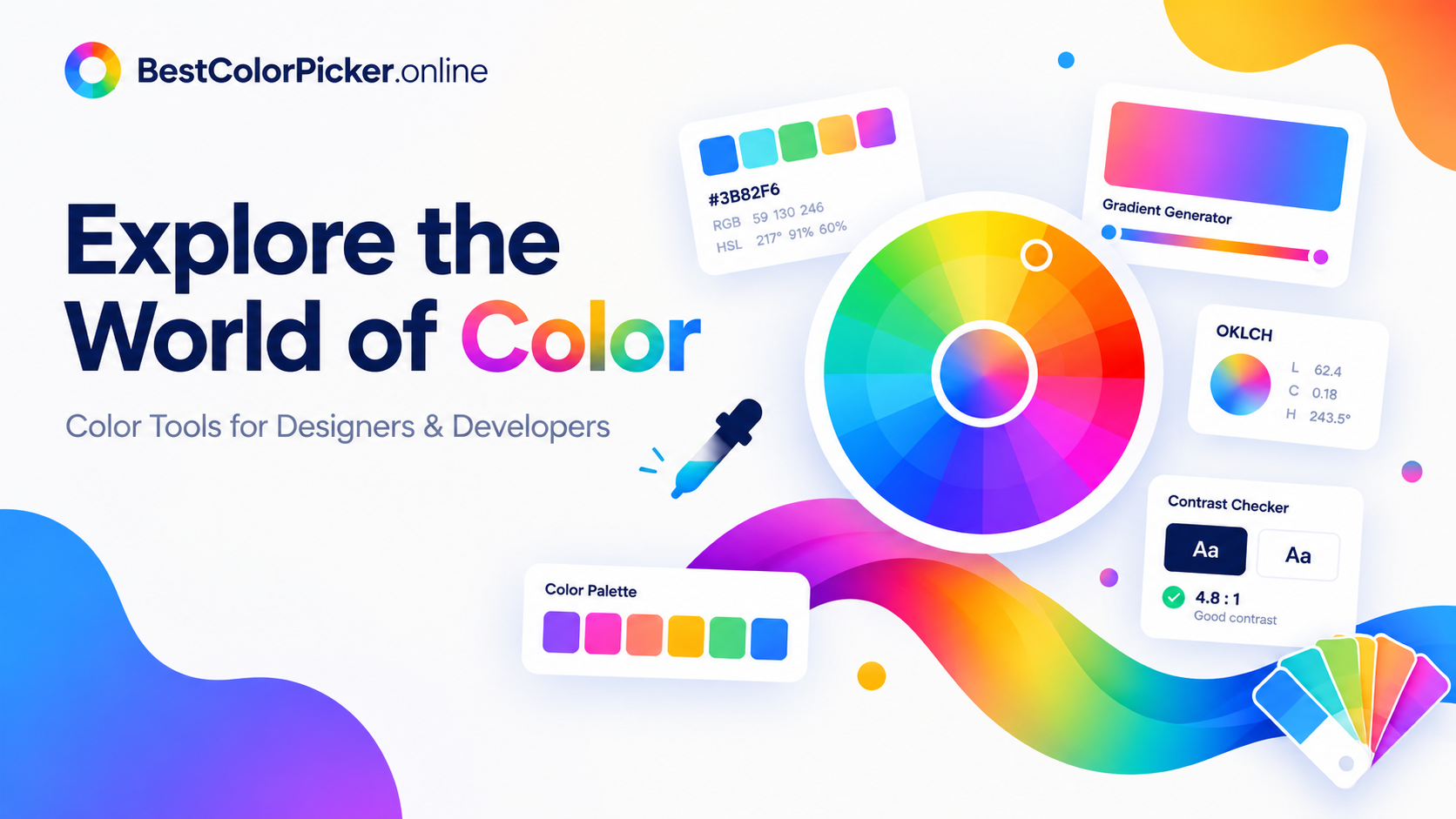
BestColorPicker.online changes that. It's a free, browser-based color toolkit with 48 tools covering everything from picking a single pixel to building a complete, accessible, design-system-ready palette. No installation. No sign-up. No payment.
In this post, I'll walk you through what BestColorPicker.online offers, who it's for, and how to use it in real projects.
What Is BestColorPicker.online?
BestColorPicker.online is a free online color picker tool that helps you find, convert, and copy color codes — HEX, RGB, HSL, HSV, CMYK, and modern OKLCH — directly in your browser.
It's built for:
UI/UX designers picking brand colors and building design systems
Web developers grabbing CSS-ready values
Marketers matching brand guidelines across social graphics
Students and hobbyists learning color theory without paid software
💡 Try it free: Open the Online Color Picker
Core Tools on BestColorPicker.online
1. Online Color Picker — Grab Exact Values Instantly
The color picker is the fastest way to sample a color from anything on your screen — a product photo, a screenshot, or a brand guideline — and get the exact code in under a second.
Key features:
Sample from screen, image, or screenshot
Get HEX, RGB, HSL, HSV, CMYK & OKLCH
Pixel-zoom for precision on detailed images
One-click copy for every format
Example output:
text
HEX: #FF3B30 RGB: rgb(255, 59, 48) HSL: hsl(3, 100%, 59%) OKLCH: oklch(0.63 0.26 29)
This is the tool I reach for daily when I need to match a client's existing brand color from a PDF or a logo.
2. Color Wheel — Build Harmonious Palettes
The online color wheel generates mathematically balanced color harmonies from a single base color — complementary, analogous, triadic, and tetradic — all in real time.
When to use each harmony:
| Harmony | Best For |
|---|---|
| Complementary | CTAs, error states, maximum contrast |
| Analogous | Calm, cohesive palettes for reading/wellness brands |
| Triadic | Vibrant, energetic combos for gaming/youth brands |
| Tetradic | Rich, varied palettes for editorial layouts |
The color wheel also includes a built-in WCAG AA / AAA contrast checker — so you know your palette is accessible before you ship it. Export to CSS, Tailwind, ASE, PNG, or JSON in one click.
🎨 Try it: Explore the Color Wheel
3. OKLCH Color Tools — Modern Design-System Ready
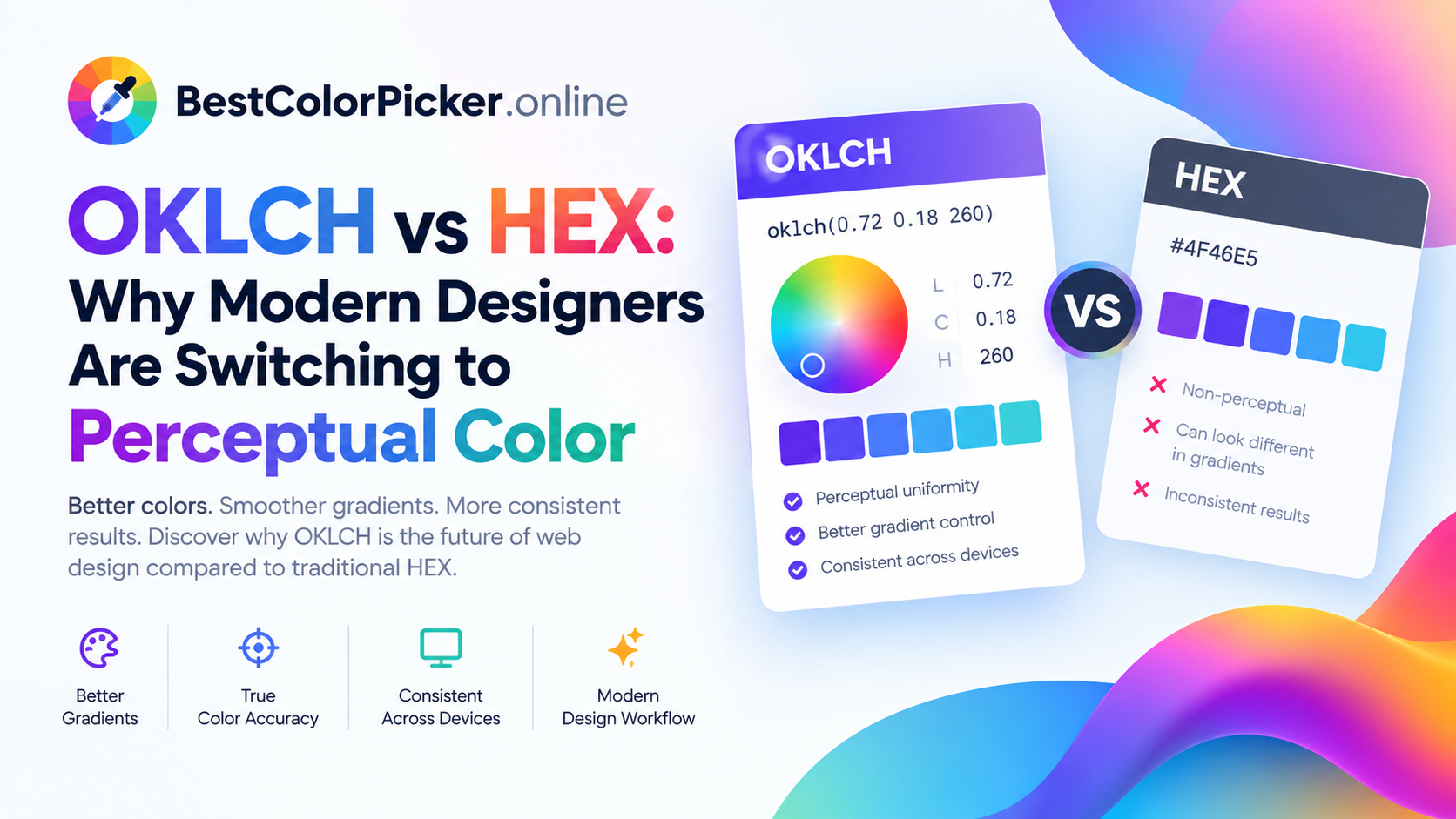
OKLCH is the color space modern designers are switching to. Unlike HEX or RGB, OKLCH is perceptually uniform — equal numeric steps produce equal visual changes. That's what makes OKLCH palettes feel balanced and predictable instead of muddy.
The OKLCH color picker converts between:
OKLCH ↔ OKLab
OKLCH ↔ HEX ↔ RGB ↔ HSL ↔ HSV
CSS color() functions
Plus a gamut checker for sRGB, Display P3, and wide-gamut displays — so you know if a color will render correctly on modern screens.
Example: oklch(0.63 0.26 29) = #FF3B30
If you're building a design system in 2026, OKLCH should be part of your workflow. Learn more here.
4. Palette Generator & Gradient Maker
Two more tools every workflow needs:
Palette Generator — Turns any seed (color, image, or keyword) into a full color system using OKLCH interpolation, with WCAG contrast checking and auto dark-mode variants. Exports to CSS, Tailwind, SCSS, or JSON.
OKLCH Gradient Maker — Design linear, radial, and conic CSS gradients visually with multi-stop editing. Preview live, copy production-ready CSS, or export as SVG, PNG, and JPEG at any resolution.
Who Should Use BestColorPicker.online?
| Role | Why It Helps |
|---|---|
| Web designers | Copy CSS-ready HEX/RGB values instantly |
| Front-end devs | Get oklch() and Tailwind tokens ready to paste |
| Brand designers | Match existing guidelines with pixel-precision sampling |
| Marketers | Build consistent social graphics with approved palettes |
| Accessibility teams | Run WCAG contrast checks before handoff |
Why Online Color Tools Beat Desktop Software
Traditional color work required Photoshop, Illustrator, or Sketch — each with its own picker, swatches, and export format. Moving a palette between them was manual and error-prone, and none of them talked to the browser where the design actually lives.
Online color tools solve that by being:
Instant — no app to open, no file to export
Cross-platform — works on desktop, tablet, and mobile
Free — no license, no subscription
Live in the browser — where your CSS actually runs
Getting Started — 3 Steps
Visit BestColorPicker.online
Pick — use the color picker or color wheel
Copy — grab HEX, RGB, HSL, or OKLCH and paste into your project
That's it. No sign-up, no download, no friction.
Frequently Asked Questions
Is BestColorPicker.online really free?
Yes — completely free, no sign-up, no download, no payment required.
Which color formats are supported?
HEX, RGB, RGBA, HSL, HSLA, HSV, CMYK, and OKLCH — with real-time conversion between them.
Can I use it on mobile?
Yes. It's browser-based and works on smartphones, tablets, laptops, and desktops.
Does it include an eyedropper?
Yes — the color picker lets you sample from an image or your screen and extract the exact pixel code.
Is OKLCH supported?
Yes — BestColorPicker.online has a dedicated OKLCH color picker with gamut checking for sRGB and Display P3.
Are my images stored?
No. Everything runs in your browser and is processed locally.
Final Thoughts
If you work with color on the web, BestColorPicker.online deserves a spot in your bookmarks. It's fast, free, and covers the full workflow — from picking a single pixel to exporting a full OKLCH design system.
Ready to try it? 👉 Explore All 48 Color Tools
🔗 Related Reading (External Links)
MDN: CSS Color Values — official reference for HEX, RGB, HSL, and OKLCH in CSS
W3C WCAG 2.1 Contrast Guidelines — the accessibility standard BestColorPicker uses
OKLCH Color Space Explained — a deep dive into perceptual color
Top Calculators — our partner site for free online calculators
Image Fix — our partner site for image optimization tools
Palpedia — our partner site for useful guides and tools
Suggested tags: color picker, OKLCH, web design, design systems, accessibility, WCAG, free tools
Suggested slug: /blog/bestcolorpicker-online-free-color-tools-guide
Comments
Leave a Comment