
Introduction
A color picker looks like a simple tool — click, get a code, move on. But once you start using one daily, you realize it's the silent workhorse behind almost every design decision on the web.
Whether you're pulling a hex from a client's logo, checking contrast before launch, or building a full OKLCH design system, an online color picker saves hours of guesswork. Here are 10 real-world ways designers and developers use BestColorPicker.online every single day.
1. Matching a Client's Brand Color Exactly
Client sends a logo as a JPG. You need the exact brand color for the website. Eyeballing it? Dangerous — you'll be off by 3–4 shades and the client will notice.
Solution: Use the online color picker to sample the logo directly and get the exact HEX, RGB, and HSL values. Copy the code, paste it into CSS, done.
2. Building a CSS Theme in Under 5 Minutes
Need a full palette — primary, secondary, accent, background, surface, border, text, and error states? Instead of picking each one manually, use the Palette Generator to seed a base color and generate the full system with OKLCH interpolation.
Bonus: Export directly to CSS variables or Tailwind config.
3. Checking WCAG Contrast Before Shipping
Accessibility isn't optional anymore. WCAG 2.1 requires:
4.5:1 for normal text (AA)
3:1 for large text (AA)
7:1 for AAA
The Color Wheel on BestColorPicker.online has a built-in contrast checker — score every text/background pair instantly before handoff.
📚 Reference: W3C WCAG Contrast Guidelines
4. Extracting Colors from Screenshots & Mockups
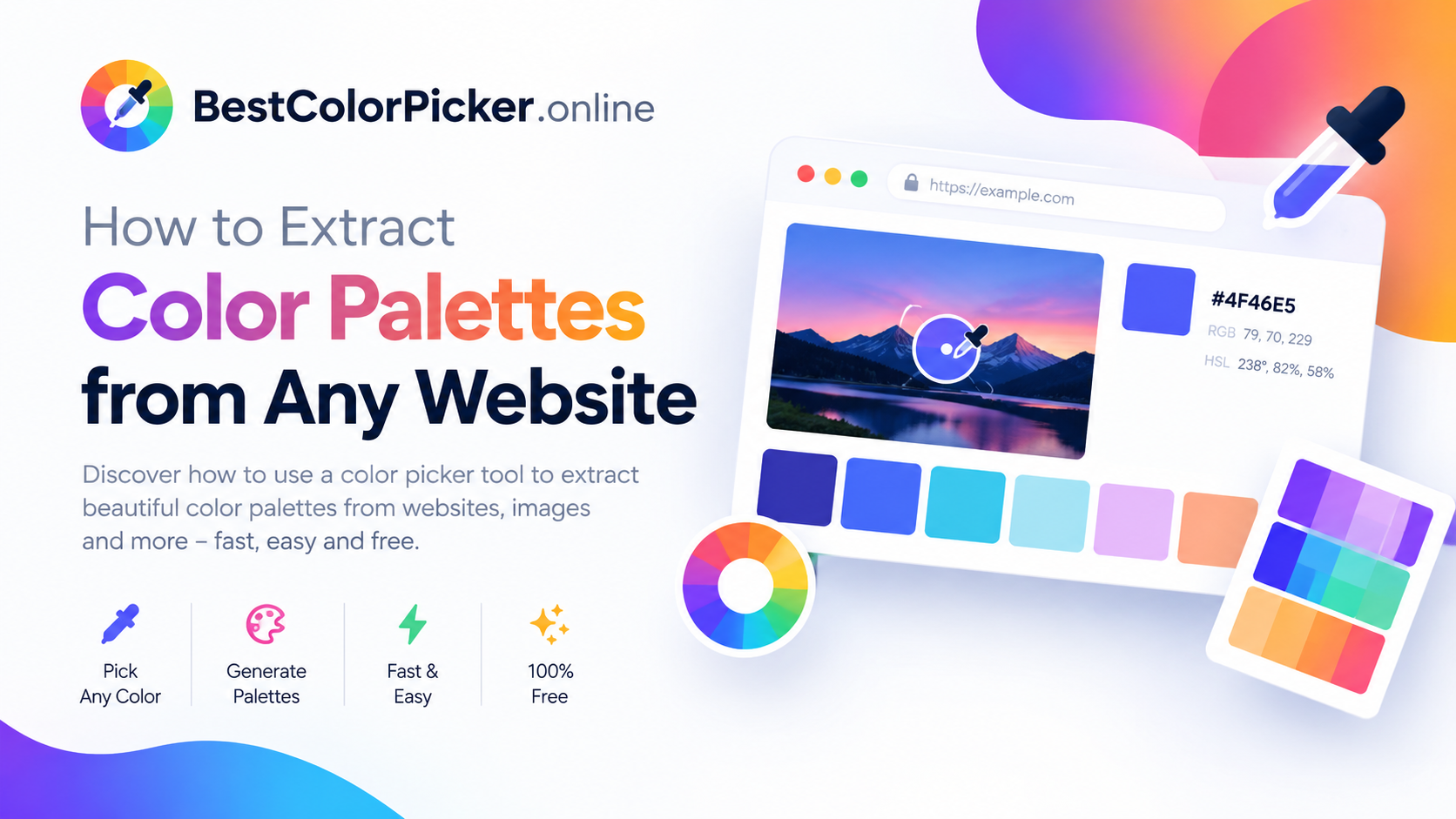
A stakeholder sends a screenshot of "the vibe they want." You need to turn that vibe into actual hex codes. The color picker's pixel-zoom feature lets you sample from images with precision — down to the exact pixel.
5. Creating Dark Mode Variants Automatically
Dark mode isn't just inverting colors — it requires perceptually balanced shades. OKLCH interpolation (used in the palette generator) produces even lightness steps that feel natural in both light and dark themes.
6. Designing Accessible Data Visualizations
Chart colors need to be distinct, harmonious, and readable. The Color Wheel generates triadic and tetradic harmonies — perfect for categorical charts — while the contrast checker ensures labels remain legible.
7. Building Gradients That Don't Turn Muddy
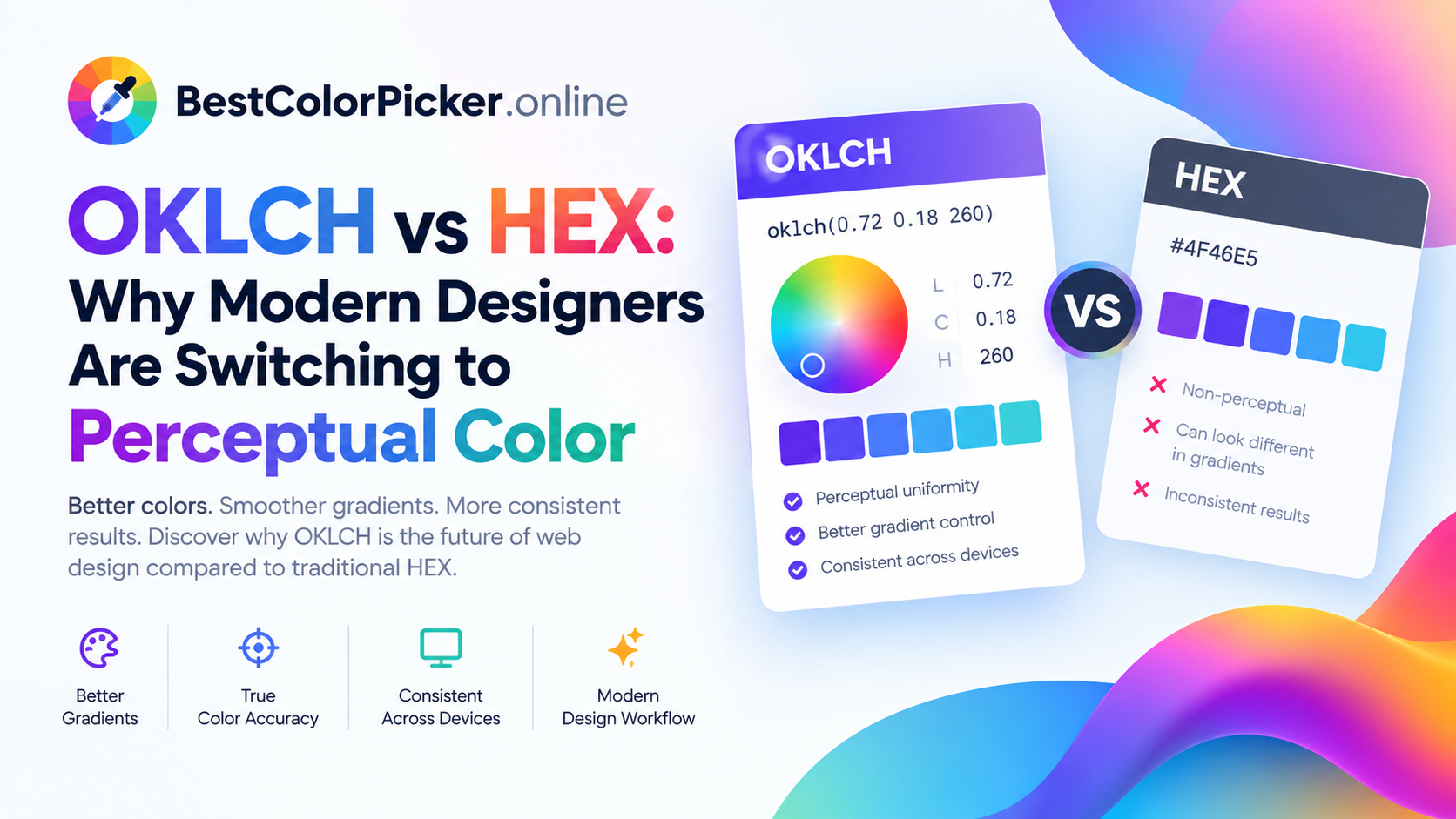
Classic sRGB gradients between complementary colors pass through gray. OKLCH interpolation keeps chroma alive across the transition — so your gradient looks vibrant from start to finish.
Use the OKLCH Gradient Maker to design linear, radial, and conic gradients visually, then copy production-ready CSS.
8. Converting Between Color Formats on the Fly
A designer gives you HSL. The video team needs RGB. The CSS needs OKLCH for wide-gamut. Instead of running three separate converters, use the OKLCH color picker to convert between OKLCH ↔ HEX ↔ RGB ↔ HSL ↔ HSV in one place.
9. Teaching Color Theory Without Paid Software
Educators and students use BestColorPicker.online to demonstrate complementary, analogous, triadic, and tetradic harmonies live in the browser — no Illustrator license required. It's the fastest way to see color theory in action.
10. Prototyping Quickly in the Browser
When you're prototyping a landing page in a browser and want to test a color change instantly, there's no faster loop than: pick → copy → paste → refresh. No design app to open, no file to export.
Quick Comparison: When to Use Which Tool
| Task | Best Tool |
|---|---|
| Grab a color from an image | Color Picker |
| Build a harmonious palette | Color Wheel |
| Create a design system | Palette Generator |
| Modern color conversion | OKLCH Picker |
| Vibrant gradients | OKLCH Gradient Maker |
| Contrast checks | Color Wheel (built-in) |
Final Thoughts
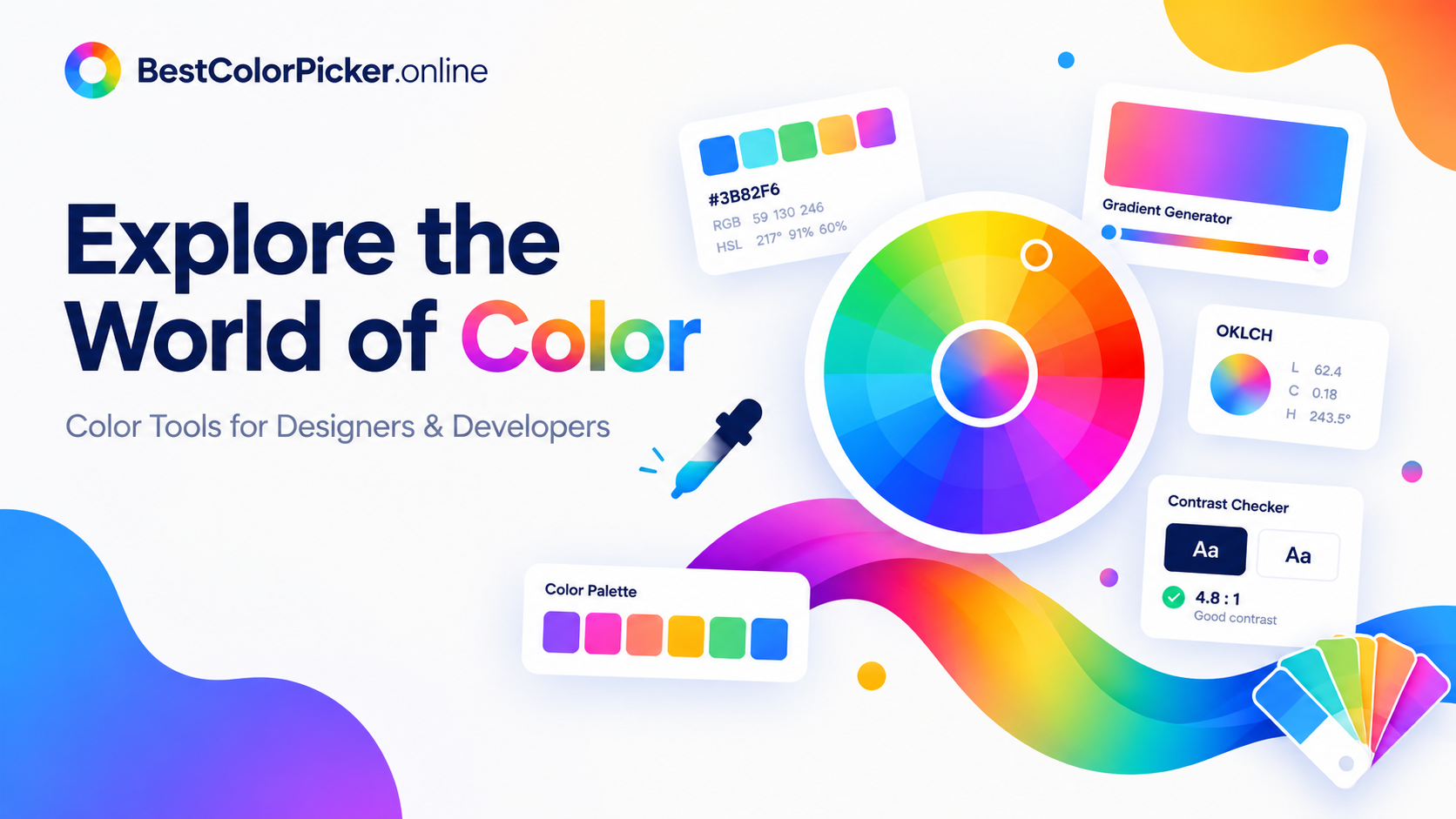
An online color picker isn't a "nice to have" — it's a core part of any modern design or development workflow. Whether you're matching brand colors, building accessible palettes, or exporting OKLCH tokens, BestColorPicker.online covers all 48 tools you need in a single free, browser-based toolkit.
Bookmark it. Use it daily. 👉 bestcolorpicker.online
🔗 Related Reading (External Links)
MDN: CSS Color Values — official CSS color reference
W3C WCAG 2.1 Contrast Guidelines — accessibility standard
OKLCH Color Space Explained — perceptual color deep dive
Top Calculators — partner site for free online calculators
Image Fix — partner site for image optimization
Palpedia — partner site for guides and tools
Comments
Leave a Comment